









































Unlimited Streaming with

Nova TV Plus

5 devices at the same time only for 25.99!

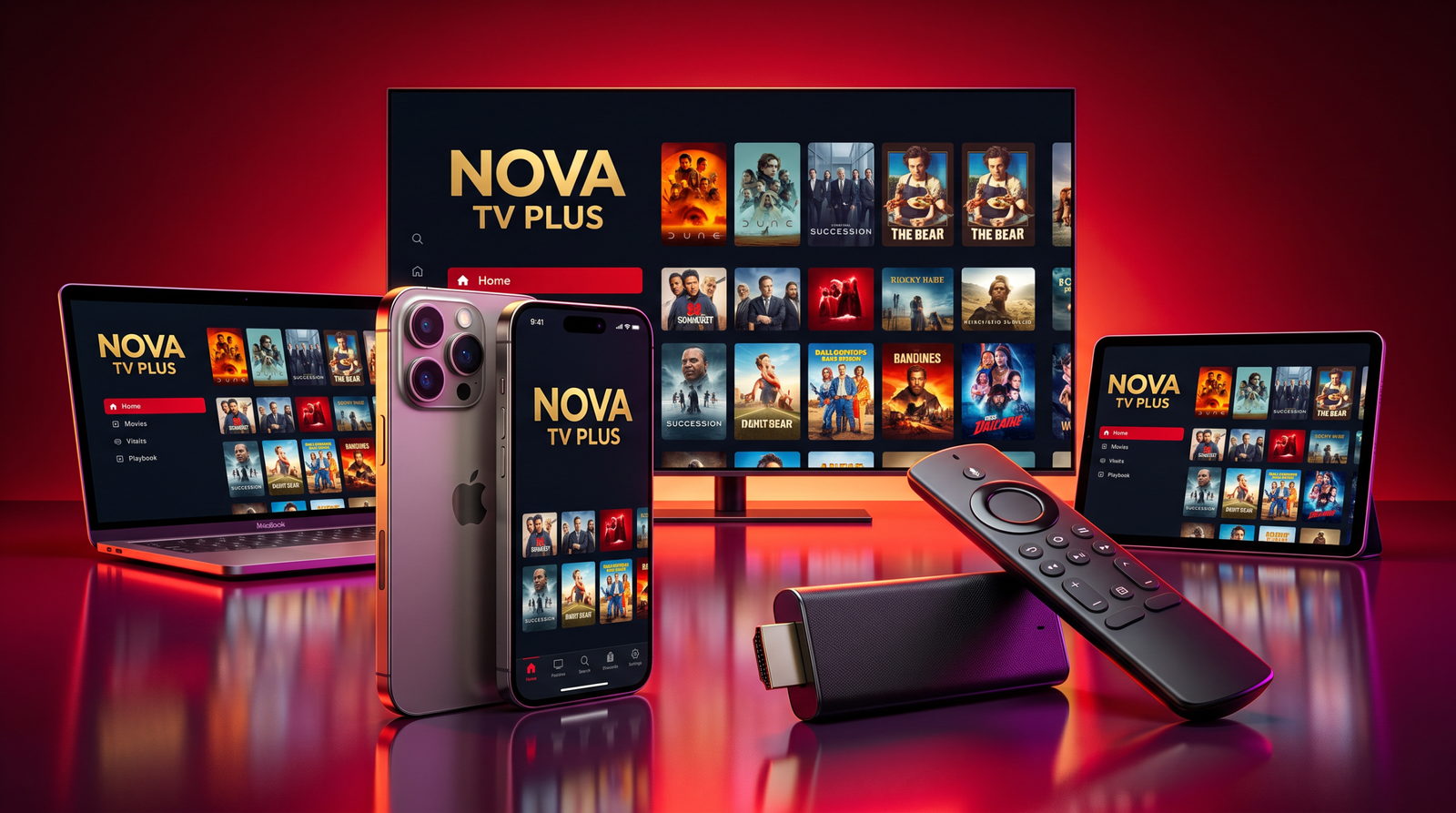
Enjoy a seamless and high-quality IPTV experience with thousands of live channels, movies, and TV shows at your fingertips.

Fast. Reliable. Affordable.

0 +

Live TV Channels

0 +

TV Shows

0 +

Movies

We provide an unmatched IPTV experience designed for effortless entertainment.

Why Nova TV Plus?

Flexible Plans for Every Viewer

Looking for a premium IPTV service without breaking the bank? We’ve got you covered! Our flexible pricing plans are designed to suit every budget while delivering top-quality entertainment. Enjoy your favorite sports, movies, and TV shows with crystal-clear streaming and zero buffering.

Free Trial

$0

3 Days

Try our service with full access to channels & on-demand content.

5 devices at the same time

7 Days Money Back Guarantee

1 Month

$25.99

Monthly

Enjoy unlimited entertainment for a month with all features included.

5 devices at the same time

7 Days Money Back Guarantee

10,000+ Channels

Enjoy live TV, sports, news, and entertainment worldwide.

On-Demand Library

Watch the latest movies and TV shows anytime.

Buffer-Free Streaming

Experience high-definition content with no interruptions.

Your Ultimate Streaming Destination

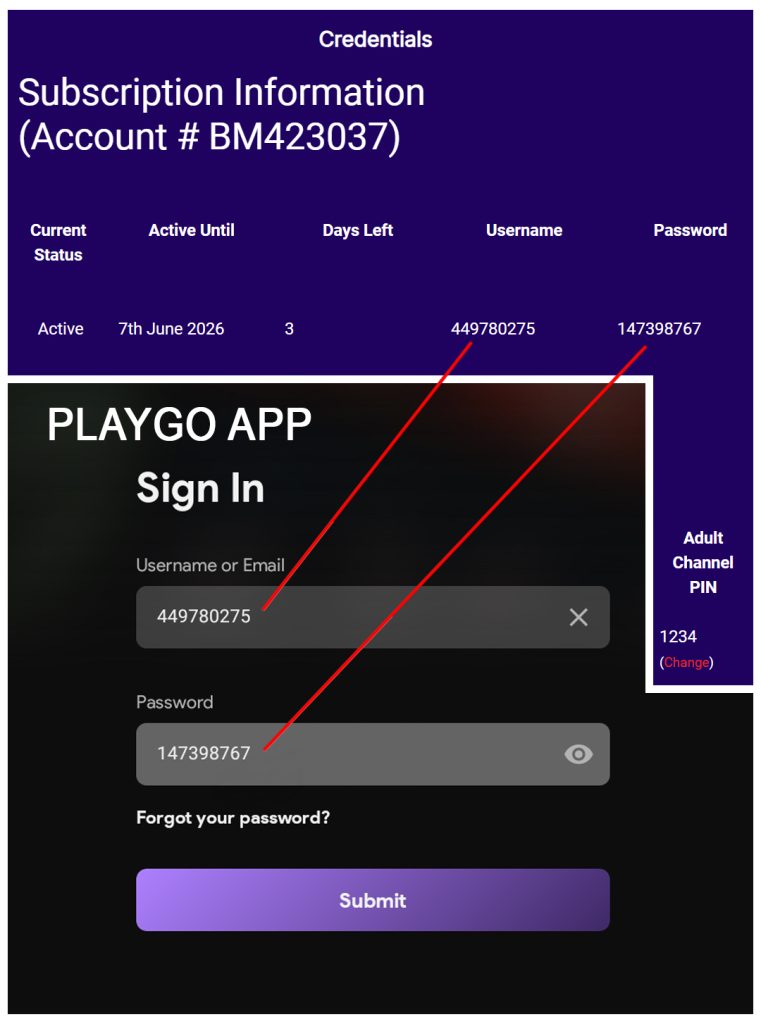
Install on any device, go to the credentials section located at the top of this page and use them in the Playgo app.

We are proud to offer PLAYGO, the leading streaming app in its category. Built for speed, reliability, and an outstanding viewing experience, PLAYGO delivers premium entertainment with the quality our users deserve.

Install on your Favorite Devices

Access a vast library of channels, movies, sports, and your favorite television shows at your fingertips. Stream our service seamlessly on the go or enjoy it on your large-screen television at home. Smart TVs can easily install PLAYGO by searching for it in the app store.

Install PlayGo on Fire TV

Step 1

Press the Amazon icon in this section to install the PlayGo app on your Fire TV device.

Step 2

Open the app after installation is complete.

Step 3

Sign in using the credentials located in the Orders section of your Nova TV PLUS account.

Step 4

Start enjoying your favorite content.

SAMSUNG, LG AND ROKU TV

For download de app only need search PlayGO in the App Store. Open the app and sign in using the credentials found in the Orders section of your Nova TV PLUS account.

Or click here:
LG
ROKU TV

APPLE TV
https://apps.apple.com/us/app/iplaygo/id6755049874

Android

For Android phones, Android TV boxes and tablets, install PlayGO with the direct APK download.

Install PlayGo on Android

Step 1

Tap the Download Android APK button in this section.

Step 2

If prompted, allow installation from this source on your Android device.

Step 3

Once the installation is complete, open the PlayGo app.

Step 4

Sign in using the credentials located in the Orders section of your Nova TV PLUS account.

Step 5

Start enjoying your favorite content.

Windows

Use this android emulator and then download the android apk.

Install PlayGo on Windows

Step 1

Download and install BlueStacks, the Android emulator for Windows.

Step 2

Once BlueStacks is installed, open it and complete the initial setup.

Step 3

Download the PlayGo APK using the Android APK download button in the Android section.

Step 4

Open the downloaded APK file with BlueStacks to install PlayGo automatically.

Step 5

Launch the PlayGo app inside BlueStacks.

Step 6

Sign in using the credentials located in the Orders section of your Nova TV PLUS account.

Step 7

Start enjoying your favorite content.

iOS

Note: PLAY GO cannot be installed directly on iPhone or iPad because it requires an Android environment. On macOS, it can be used through a compatible Android emulator.

PLAY GO Installation Guide for Mac

Step 1: Install an Android Emulator

Download and install an Android emulator on your Mac. We recommend BlueStacks Air.

Step 2: Launch the Emulator

  1. Open the Android emulator.

  2. Complete the initial Android setup.

  3. Sign in with your Google account if required.

Step 3: Install PLAY GO

If you have the APK file:

  1. Download the PLAY GO APK to your Mac.

  2. Drag and drop the APK file into the emulator window.

  3. Wait for the installation to complete.

Step 4: Sign In

  1. Open the PLAY GO app.

  2. Enter your login credentials.

  3. Start enjoying the service.

Troubleshooting

  • Make sure your Mac meets the emulator’s system requirements.

  • If the APK does not install, verify that it is compatible with Android 8.0 or later.

  • If the app crashes, increase the RAM allocation in the emulator settings.

 

How it Works?

1. Select Your Plan

Browse our subscription options and pick the one that suits your needs. Complete your checkout with your preferred payment method.

2. Get Your Login Details

Download and install your preferred IPTV app, such as Stream IPTV Player, IPTV Smarters, XC IPTV, or Tivimate. Enter the credentials we provide.

3. Enjoy 24/7 Support

Our dedicated support team is available 24/7 to assist you with any setup or streaming issues.

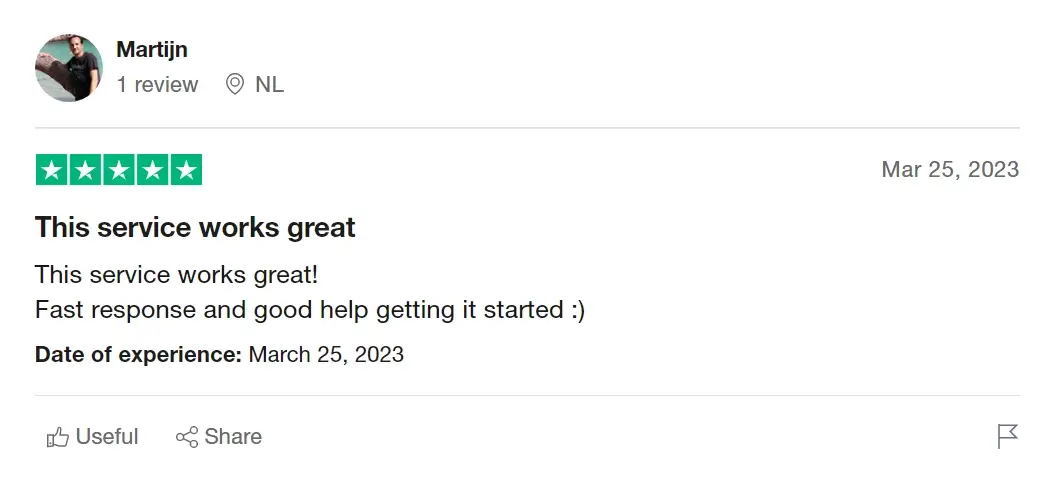
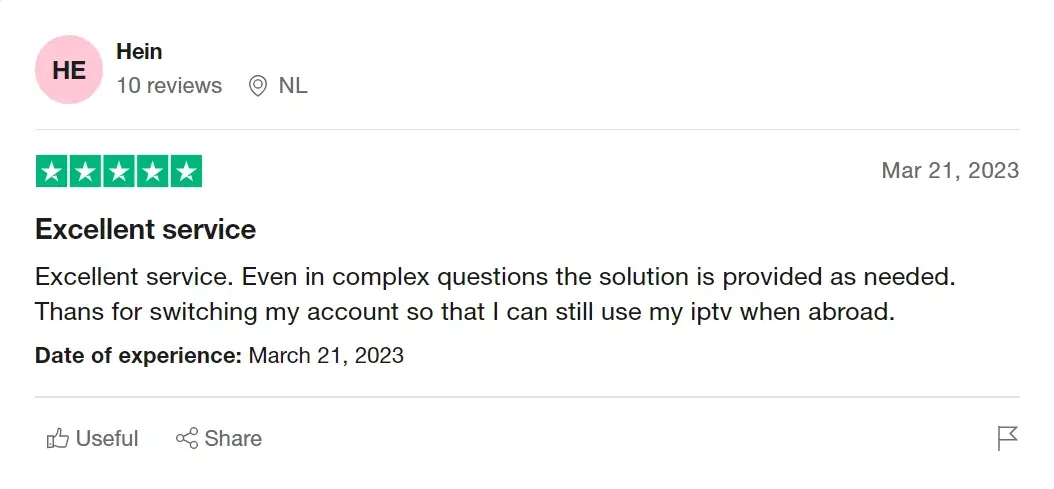
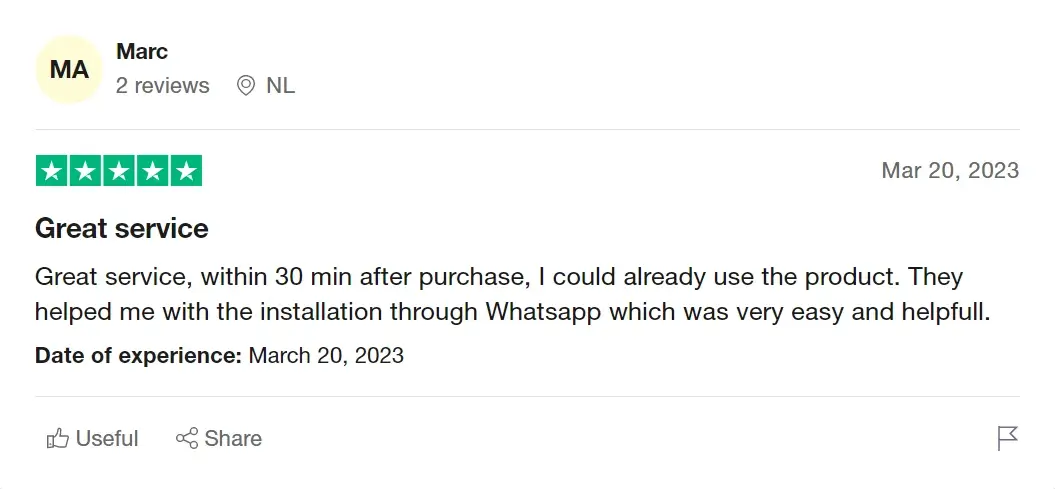
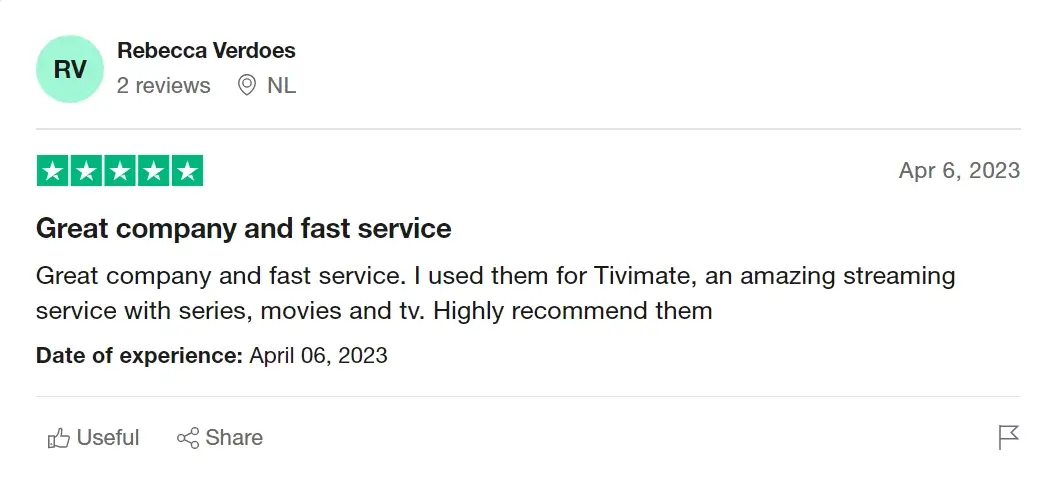
See what our Customers say about us

Frequently asked Questions

Nova TV Plus works on all major platforms, including Firestick, Android, iOS, Smart TVs, Windows, and more.

Simply choose your plan, complete the payment, and you’ll receive an activation guide instantly.

Yes! You can stream on multiple devices based on your chosen plan.

Your service will stop, and you can renew anytime without any penalties.

Our standard plans support one device at a time. However, if you need multi-device access, contact us for additional connection options.

While our IPTV service works without a VPN, using one can enhance privacy and bypass regional restrictions for a seamless experience.

Our team constantly updates and maintains the channel list. If you experience any issues, reach out to our 24/7 support for quick assistance.